Visual effect catalog
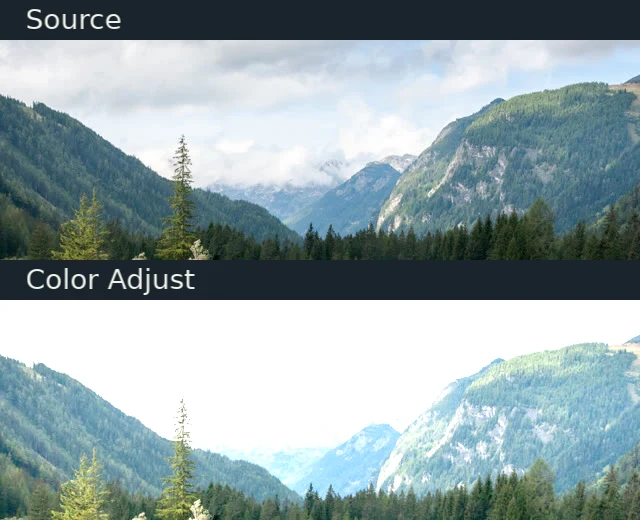
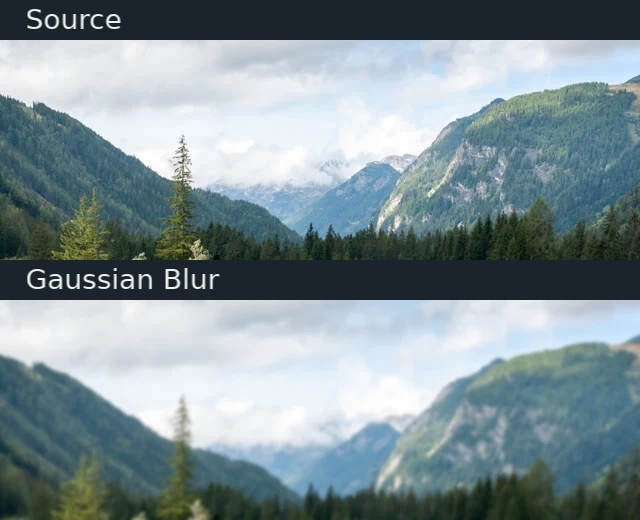
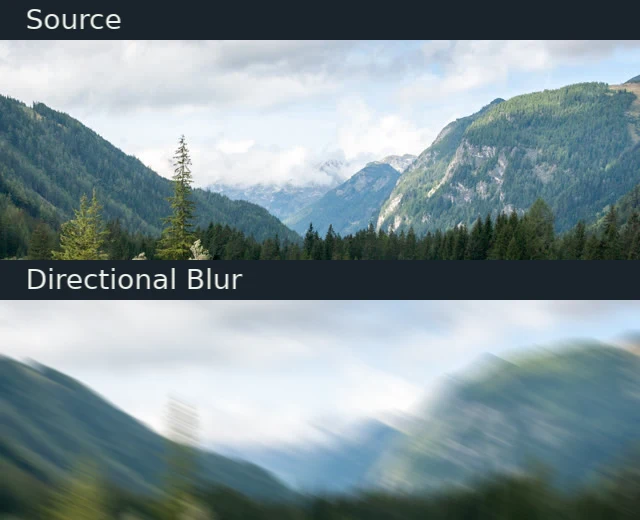
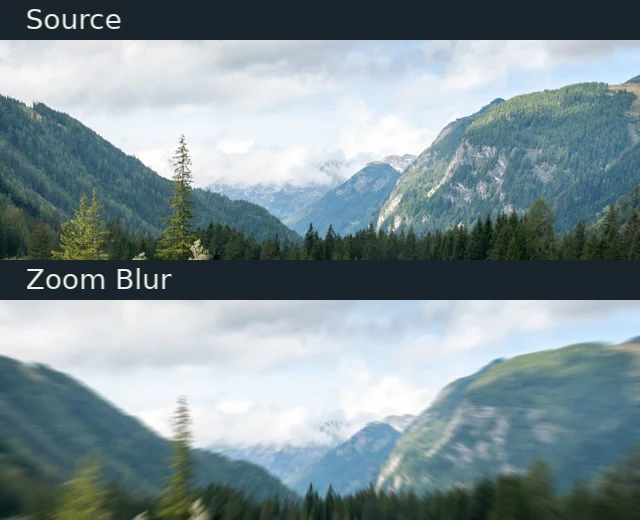
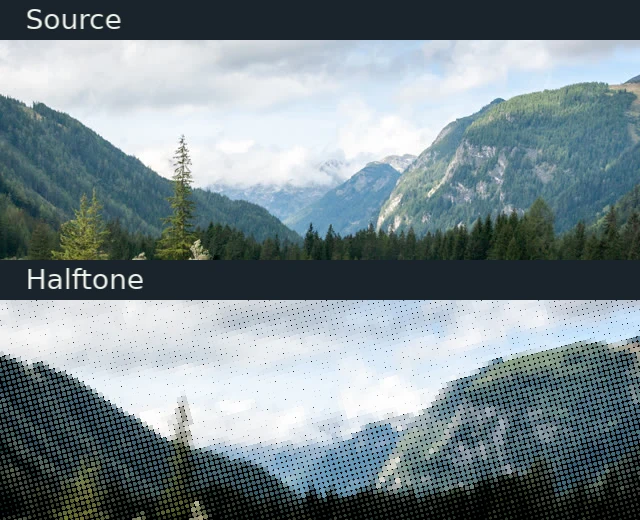
Compare the source above with the treatment below. Moving views share one clock, so you can pause them at the same point.
These selected settings cover all 23 canonical effects, PseudoAscii and a second dither pattern. Use Add an effect to attach a treatment, or the complete example to run these comparisons. The Python blocks below show constructor settings; they are separate alternatives, not a script to run in sequence. Imports, source setup and output are in that program.
Color and tone
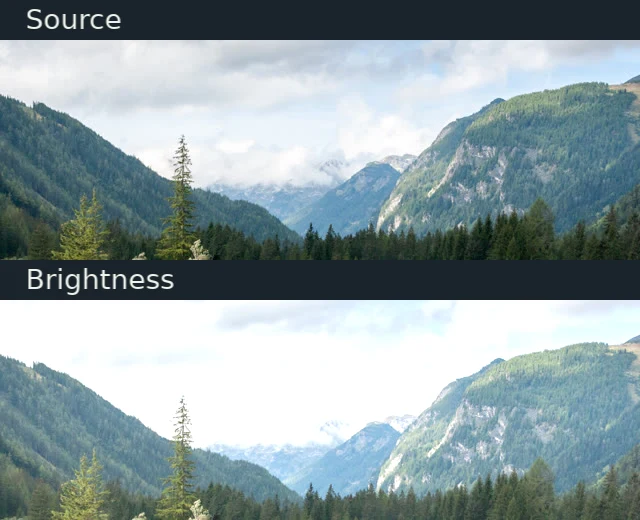
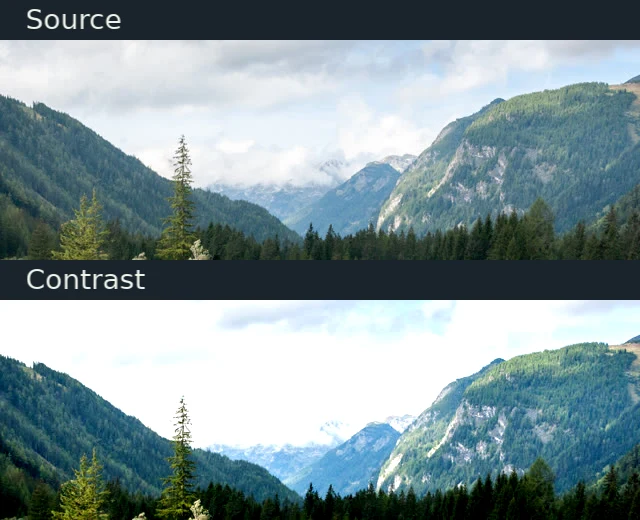
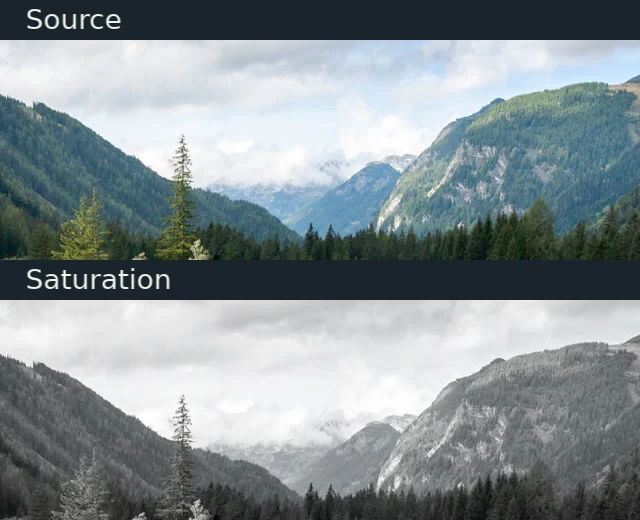
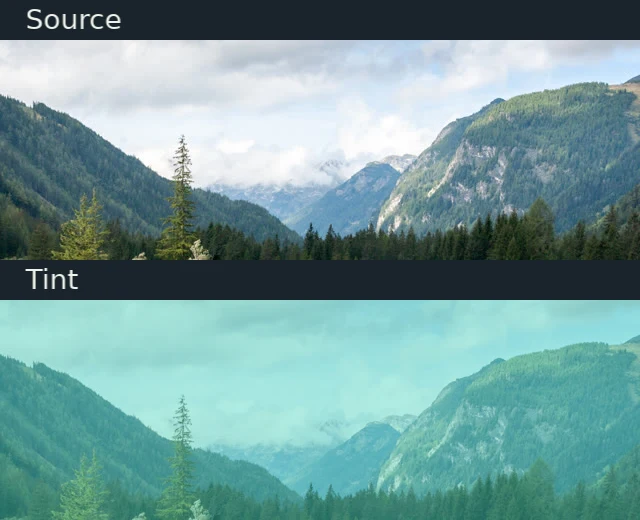
Blur and light
RadialBlur
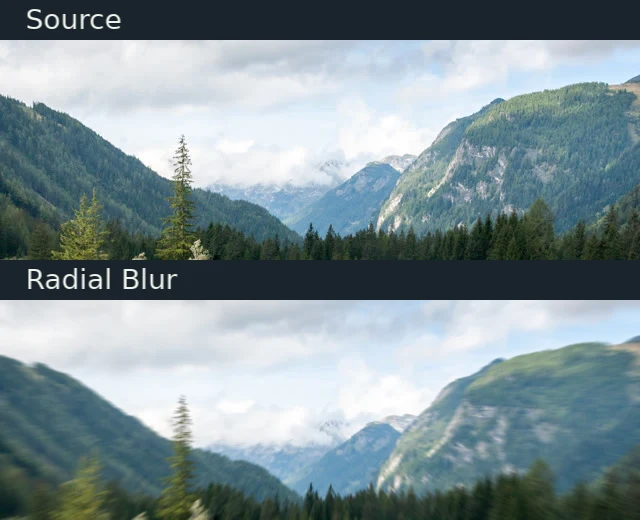
Current RadialBlur also uses centered zoom samples, with a bindable center and 16 taps. It is not rotational blur.
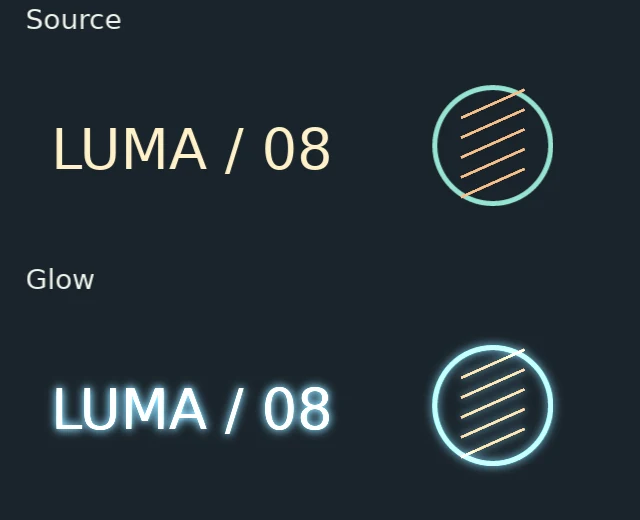
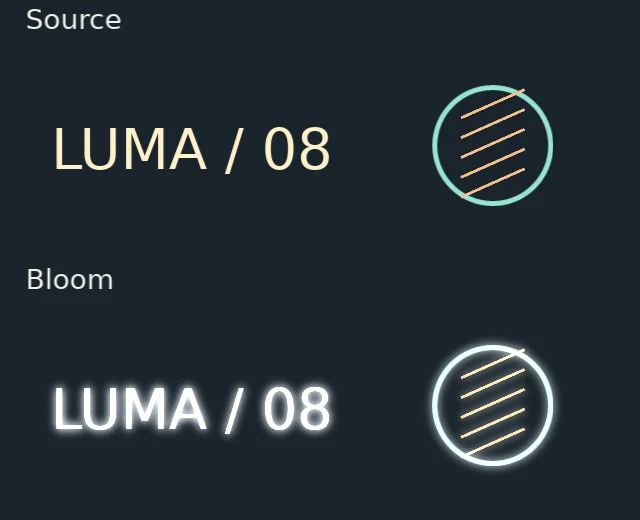
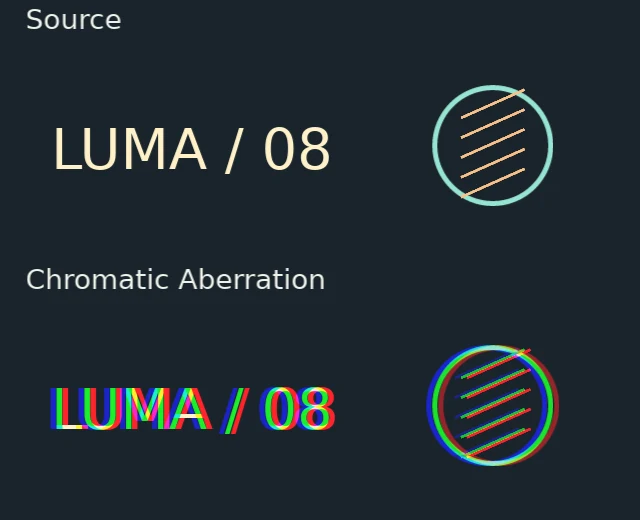
Sharpen
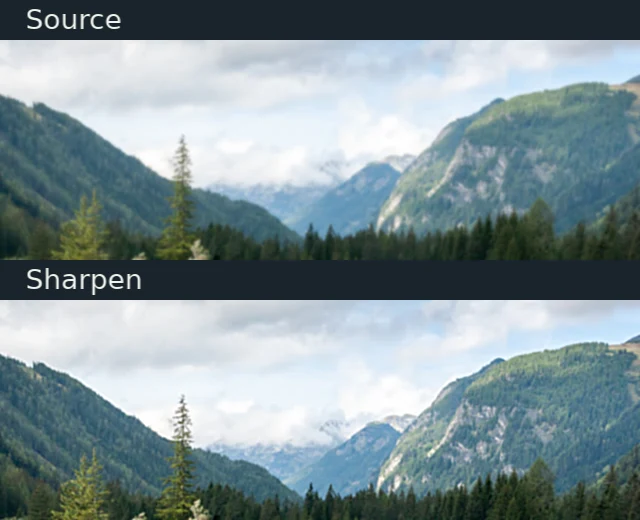
Both inputs start with a 3-pixel Gaussian blur. Sharpen restores local edge contrast in the lower image; it cannot recover missing detail.
Palettes and print
Palettes and dithering explains mode, pattern and input-detail choices.
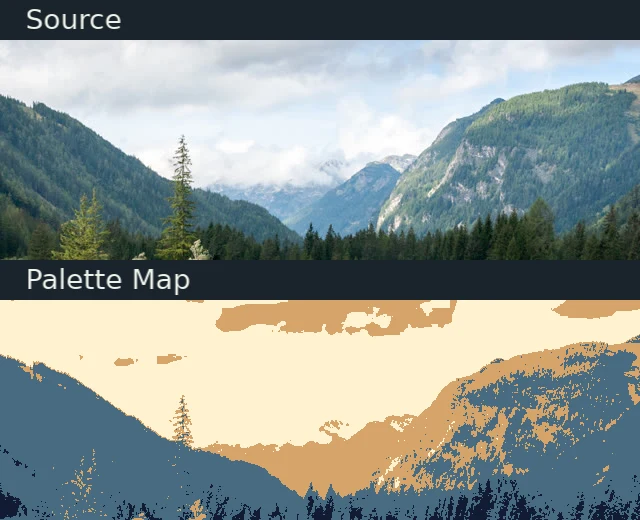
OrderedDither
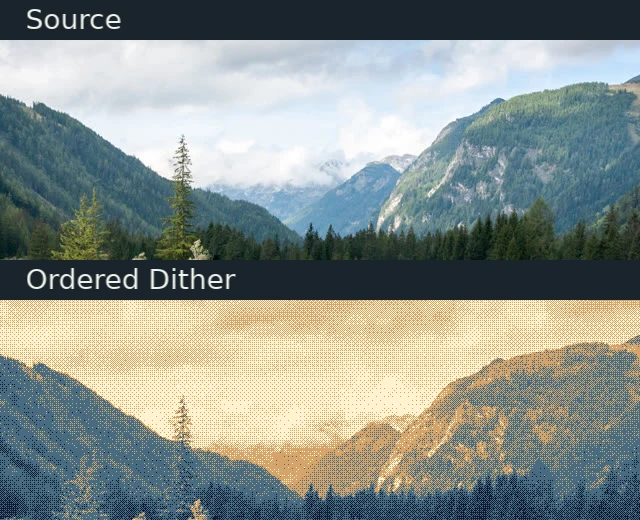
Mix the same palette colors in a repeating Bayer pattern to preserve intermediate tones.
OrderedDither · blue noise
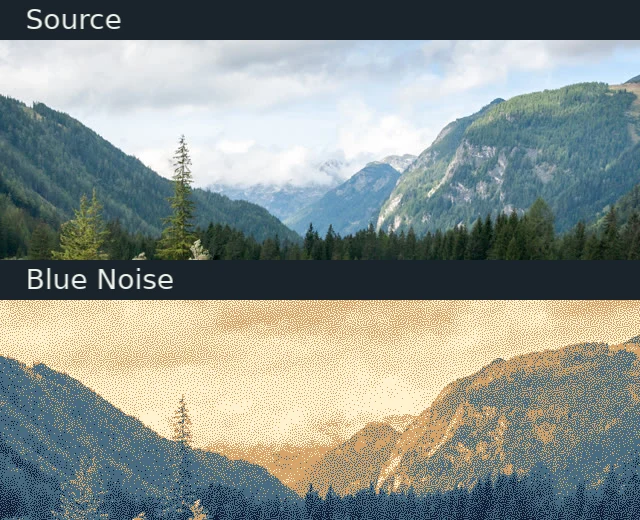
Replace the regular Bayer pattern with a fixed, less regular threshold pattern.
PixelSort
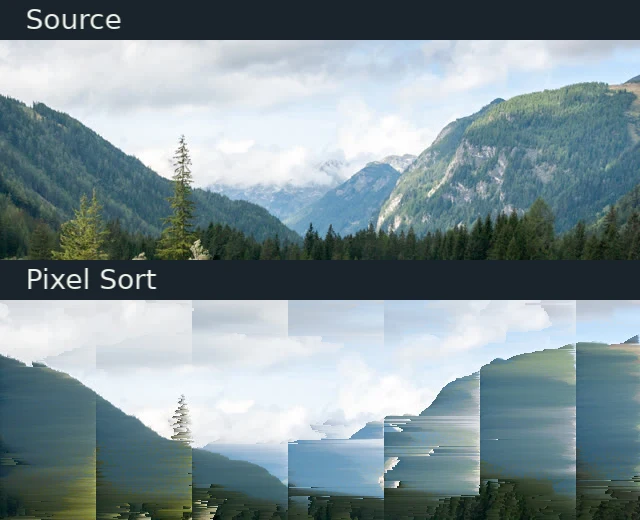
Reorder eligible horizontal runs in 96-pixel blocks. Tree and mountain edges become bounded horizontal streaks.
Characters and motion
ASCII explains glyph coverage and readability. Play the motion comparisons deliberately with the native controls.
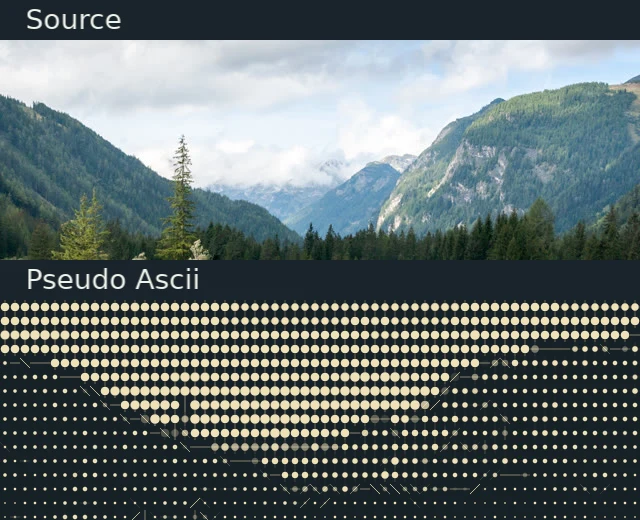
Ascii
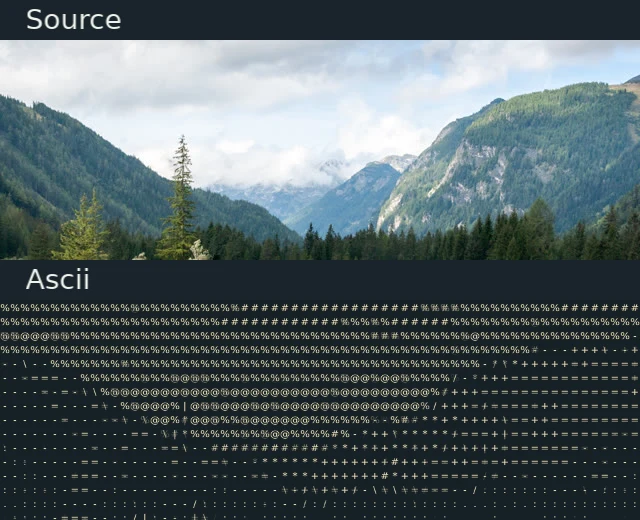
Express the photograph with light characters over a dark background; larger 10×14 cells expose the glyph structure.
Crt
The stationary photograph acquires scanlines, seeded grain, rolling brightness and jitter. Only the lower view changes over time.
CameraShake
The upper photograph is still. The lower one adds seeded translation and rotation; a three-second decay keeps the movement visible. Both start with the same 1.5× overscan.
MotionBlur
Both striped objects follow the same rapid left–right path. Only the lower object smears along its velocity; pause mid-travel to compare the dark bars.
MotionTile
Both images shrink and rotate identically. The light outline marks the original image bounds; only the lower view samples mirrored copies outside that outline.
This comparison uses anchor=(0, 0) on both images to place their top-left
explicitly. Motion Tile also preserves placement with centered or other anchors;
see the anchor coverage example.
Complete example
Save effects_catalog.py and landscape-study.jpg in the same directory. These commands replace their named output files:
uv run python effects_catalog.py --effect gaussian-blur --still
uv run python effects_catalog.py --effect motion-blur
These write effect-gaussian-blur.webp and a three-second effect-motion-blur.mp4;
rerunning replaces those files. Every treatment above is selected by its
hyphenated effect name. PALETTE in the settings is
("#101b32", "#476b80", "#d6a46b", "#fff2cf"); other unlisted controls use defaults.
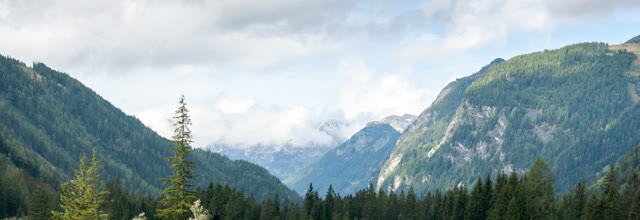
Photograph: “Landscape in Salzburger Land” by Dimitry Anikin, CC0; cropped from the existing licensed input. The light and motion graphics are original. Input source record.

Continue with order-dependent processing or composed treatments when combining effects.